



Shopware click-and-collect based on basket and local stock
To collect a purchase in store, customers need to know where their basket can be prepared. FroggShop compares eligible stores and displays availability and calculated collection dates.
Compare stores for the whole basket
The process checks the products and quantities requested against active stores offering collection. Results are grouped by availability, then by distance. You can configure whether unavailable stores are displayed.
Customers have the information they need to choose a store, rather than having to infer availability for their whole basket from a single item.
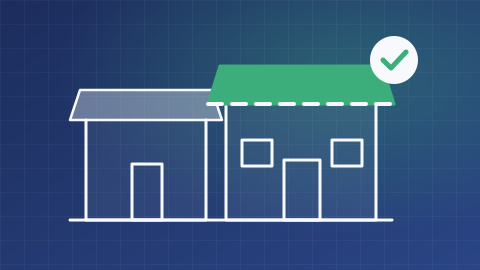
Calculate lead times from local data
Calculations use store stock, rules for selling out-of-stock items, replenishment lead times and the opening hours provided. Different dates across products can result in partial availability.
The selected store is saved in the basket. When an order uses the collection method, its address and the calculated dates are included in the delivery information.
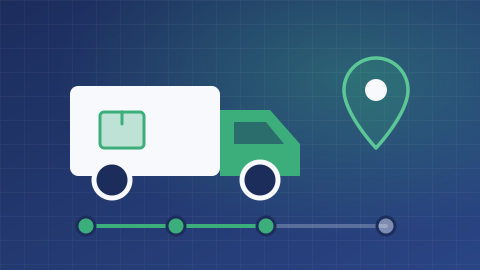
Displayed availability does not mean reserved stock
Checking and selecting a store does not reserve stock. Preparation rules, stock movements and collection confirmation must be defined with your teams.
Before launching the service, check stock data freshness, exceptional opening hours and replenishment lead times using representative baskets.
What is the scope of your project?
Tell us about your needs and the tools you use. We can clarify the possibilities, conditions, alternatives and scope of work suited to your project.
Discuss your needs