



ERP-compatible customer data: check required formats in Shopware
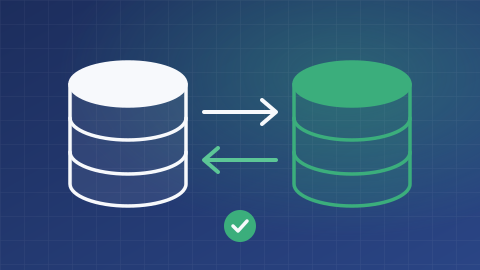
An address accepted online may be rejected by an enterprise resource planning system, or ERP. FroggShop lets teams declare the expected customer data constraints and check them at the intended stages.
Express your management system’s constraints
Rules cover minimum and maximum field lengths and accepted formats, among other constraints. They are defined for customer information and addresses.
The project chooses the relevant fields: universal compatibility with all ERP systems is not assumed.

Check writes covered by the integration
Server-side validation checks covered writes, including through the API and the Alfred context. Forms can use the same constraints to guide data entry.
A non-compliant value can be rejected with a validation error. The mechanism does not silently truncate all data to make it fit a format.
Prepare for exceptions and existing data
Rules must be tested against the addresses and names actually used, including accented characters and international cases.
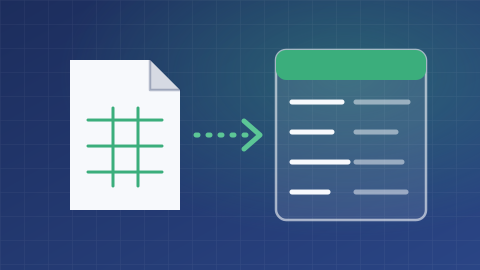
Activation does not automatically migrate historical data. Teams need to decide how to correct older data and handle synchronisation rejections.
What is the scope of your project?
Tell us about your needs and the tools you use. We can clarify the possibilities, conditions, alternatives and scope of work suited to your project.
Discuss your needs