



Reproducible deployments in Shopware
FroggShop migrations describe the data and settings to install or change. They give technical teams a versioned basis for limiting differences between environments.
Prepare the data the store needs
Migration helpers cover configuration, custom fields, content pages, order states and delivery methods, among other areas.
The team can link a functional change to the reference data needed to put it into service.
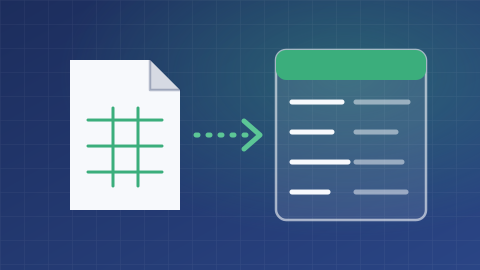
Control reruns for each operation
Some operations look for an existing value before creating it. Inserting default settings can preserve an existing configuration rather than replace it.
This protection must be checked migration by migration. Not every helper can automatically be rerun without creating additional records, particularly those that create a new page.
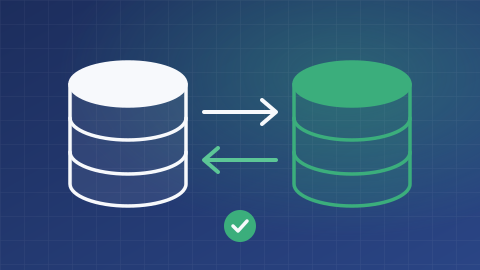
Prepare production deployment and recovery
Environment-specific values, backups, post-installation checks and the response to failures must be defined before deployment.
The mechanism promises neither installation without intervention nor automatic rollback. Acceptance tests check data and journeys, not just successful completion of the technical execution.
What is the scope of your project?
Tell us about your needs and the tools you use. We can clarify the possibilities, conditions, alternatives and scope of work suited to your project.
Discuss your needs