



Display stock by store in Shopware
Overall stock is not enough to plan a local purchase. FroggShop links each product to stock data by store to inform the relevant customer journeys.
Distinguish quantities by location
Each product–store relationship can hold a quantity, a lead time and replenishment rules. These describe the situation at that location, separately from the overall product quantity.
Customers can view nearby stores wherever this display is enabled, including on the product page when that option is selected.
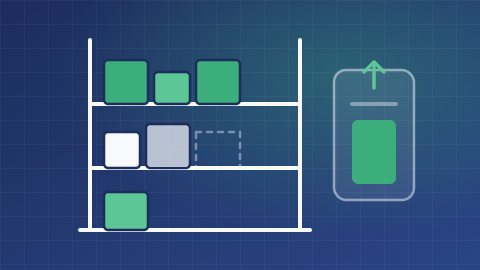
Support collection calculations
The collection journey uses local quantities to assess the basket. The lead times and opening hours provided contribute to the calculated dates.
Store searches and product displays must be enabled for the intended journey; stock data alone does not publish all these screens.
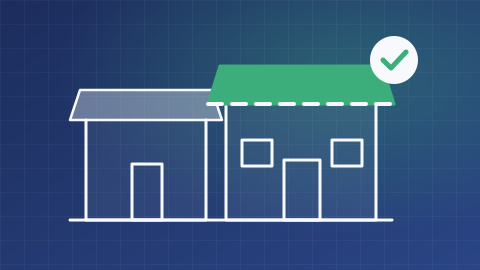
Define the update source and frequency
The information shown reflects the data received. A till sale that has not yet been sent can create a discrepancy with physical availability.
This feature neither reserves stock nor automatically calculates all transfers between warehouses. Quantity sources and replenishment lead times still need to be defined.
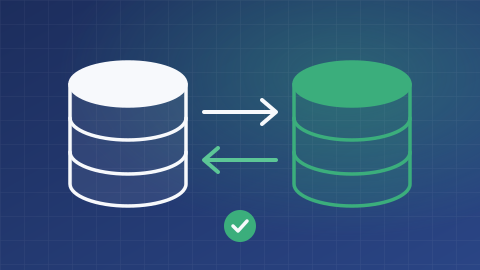
What is the scope of your project?
Tell us about your needs and the tools you use. We can clarify the possibilities, conditions, alternatives and scope of work suited to your project.
Discuss your needs