



Online and in-store purchase history: find purchases in your account in Shopware
Customers may buy in a physical store and return online to view their purchase. FroggShop links the in-store purchases received to their account alongside their online orders.
View purchases and their documents
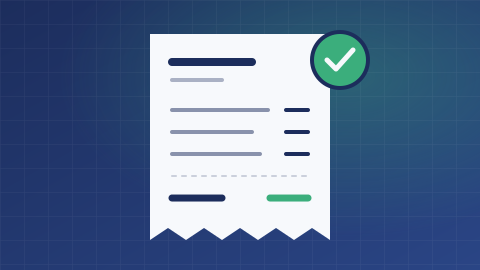
The customer area provides access to synchronised in-store purchases: date, store, amount and item lines. A purchase document can be attached when it has been supplied.
This provides a shared reference point without turning a till sale into an online order to be shipped.
Link each sale to the right account holder
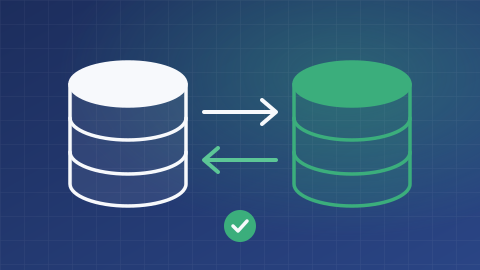
Synchronisation checks the data and verifies that the customer and store exist. An existing purchase is identified using the customer and purchase number; its lines are replaced during an update.
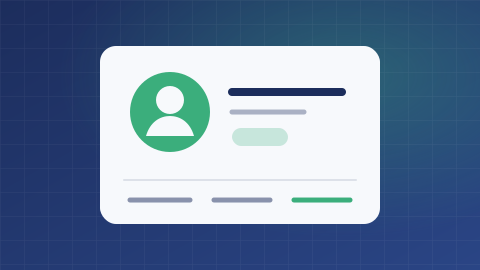
Access to a purchase and its document is tied to the relevant customer account. Identity matching therefore needs to be prepared in the system that sends the sales.
A history limited to the data received
Purchases that have not been sent or have no customer link do not automatically become available to view. Document availability also depends on their import.
The scope of historical imports, document retention and how far back customers can browse must be validated before the service is published.
What is the scope of your project?
Tell us about your needs and the tools you use. We can clarify the possibilities, conditions, alternatives and scope of work suited to your project.
Discuss your needs